FUISectionHighlightBox
The FUISectionHighlightBox is a diminutive container that necessitates the user’s undivided attention. It is typically employed to display cautionary or warning messages.
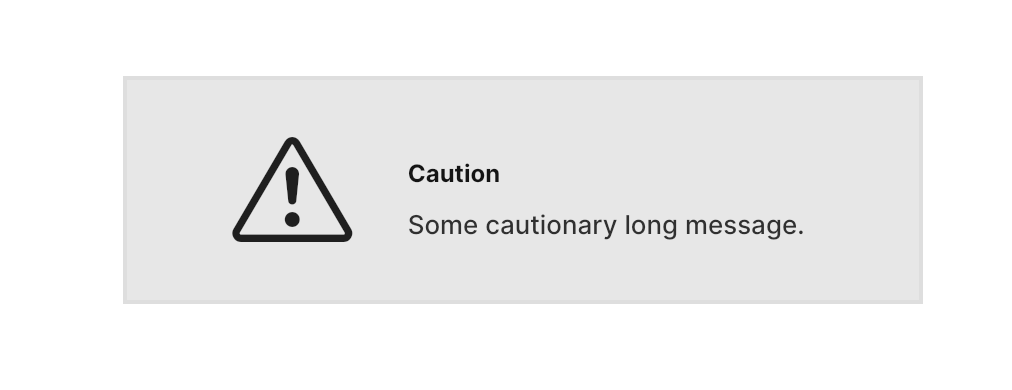
The FUISectionHighlightBox is a color box with a distinctive border color. While it can serve as a general container widget, it is more appropriate to use it within the FUISectionContainer for its intended purpose.
Widget Class Location
The FUISectionHighlightBox widget class could be found in:
Widget Theme Location
The FUISectionTheme class serves as the theme class for FUISectionHighlightBox, which is equivalent to FUISectionPlain. Kindly explore this theme class to examine various settings applicable to FUISectionHighlightBox.
Accessing the theme
To access the theme class object, do the following:
Usage
Major Parameters
Parameters | Description |
|---|---|
FUIColorScheme fuiColorScheme | You may choose the color scheme for the |
BoxDecoration? decoration | If you would like to change the highlight box's background color, border color or the rest of border ettings, you may do so by having a |
double? width | The width of |
double? height | The height of |
Other Parameters
All other parameters correspond to Flutter’s Container widget.