FUIToast1
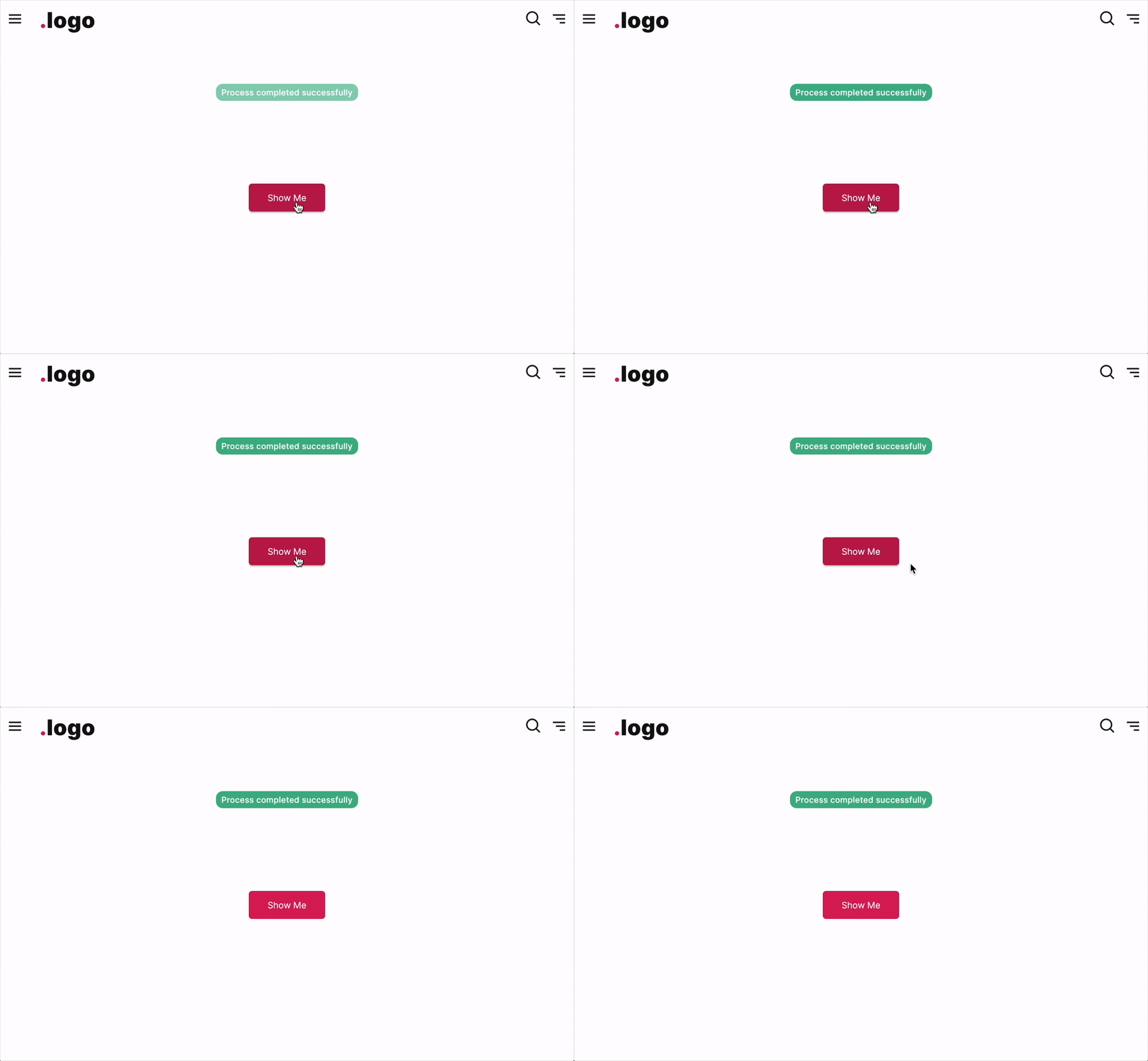
The FUIToast1 is a compact, bubble-like popup message that can be programmatically triggered and displayed.
Widget Class Location
The FUIToast1 widget classes could be found in:
Widget Theme Location
The FUIToastTheme class is the theme class holds the default theme variables/values.
Accessing the theme
To access the theme class object, do the following:
Usage
To show a toast message, just do following:
Utilize the show function within the FUIToast1 object to manifest the message following the initialization of the object.
Show message in different positions
To display the message in various positions on the screen, you can set value in the fuiToastPosition, which accepts values from the FUIToastPosition enum.
Changing the color scheme
To display toast in a different color scheme, simply modify the value of fuiColorScheme.
Setting the display duration
Set the display duration value accordingly:
Parameters
The show method accepts the following parameters.
Parameters | Description |
|---|---|
String msg | The text message to be displayed. |
FUIColorScheme? fuiColorScheme | The desired color scheme. Values could be found in |
FUIToastPosition? fuiToastPosition | The position for the toast message on the screen (within the context) to be shown. Default is |
TextStyle? textStyle | The text style (overrides the default text style) for the text message. |
Color? backgroundColor | To change the toast bubble background color (overrides color scheme). |
Duration? duration | The duration for the message to be shown before being dismissed. |
Duration? animationDuration | The animation duration of the toast. |
double? radius | The border radius of the toast bubble. |
VoidCallback? onDismiss | The function which is to be called when the toast dismisses. |