FUIAvatar
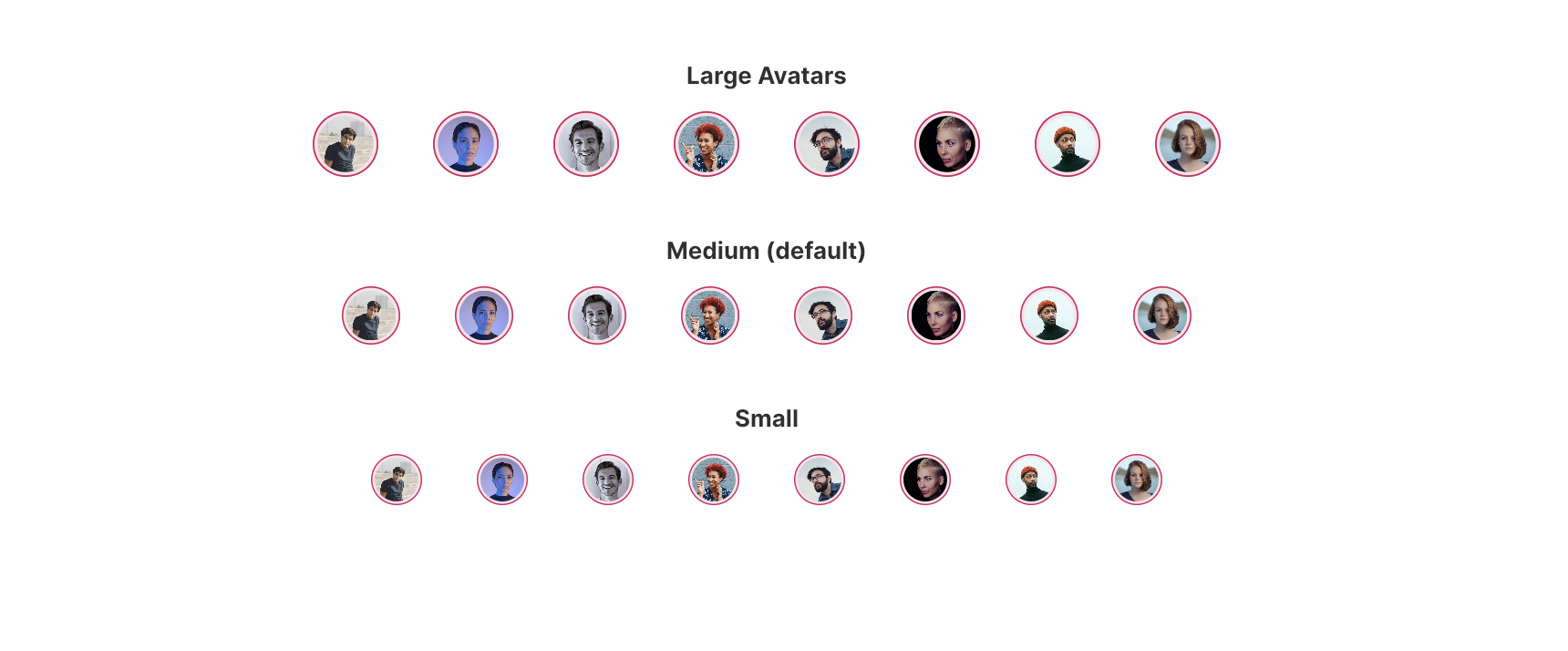
The FUIAvatar is a straightforward widget designed to facilitate the display of rounded avatar images.
Widget Class Location
The FUIAvatar widget class could be found in:
lib/focus_ui_kit/components/avatar/fui_avatar.dart
The FUIAvatarTheme class is the theme class holds the default theme variables/values.
Accessing the theme
To access the theme class object, do the following:
@override
Widget build(BuildContext context) {
FUIAvatarTheme avatarTheme = context.theme.fuiAvatar;
// ...
}
Usage
To display a simple avatar:
/// From asset path
FUIAvatar(
// Relative to <project-root>/assets/ (for web)
avatar: AssetImage('avatar-folder/avatar.jpg'),
);
// By URL
FUIAvatar(
avatar: NetworkImage('https://somedomain/avatar.jpg'),
);
Changing the color scheme
The border of the avatar is determined by the FUI color scheme. This parameter can be modified via the fuiColorScheme parameter.
FUIAvatar(
fuiColorScheme: FUIColorScheme.cobalt,
avatar: AssetImage('avatar-folder/avatar.jpg'),
);
Changing the size of the avatar
The size of the avatar can be adjusted using the fuiAvatarSize parameter. This parameter accepts pre-configured values from the FUIAvatarSize enum:
/// Large
FUIAvatar(
fuiAvatarSize: FUIAvatarSize.large,
avatar: AssetImage('avatar-folder/avatar.jpg'),
);
/// Medium (default)
FUIAvatar(
fuiAvatarSize: FUIAvatarSize.medium,
avatar: AssetImage('avatar-folder/avatar.jpg'),
);
/// Small (default)
FUIAvatar(
fuiAvatarSize: FUIAvatarSize.small,
avatar: AssetImage('avatar-folder/avatar.jpg'),
);
Other customization
The border color, padding color, and even the border radius can be overridden, as demonstrated below:
FUIAvatar(
radius: 30,
borderColor: Colors.teal,
paddingColor: Colors.yellowAccent,
avatar: AssetImage('avatar-folder/avatar.jpg'),
);
27 March 2025