FUIToast3
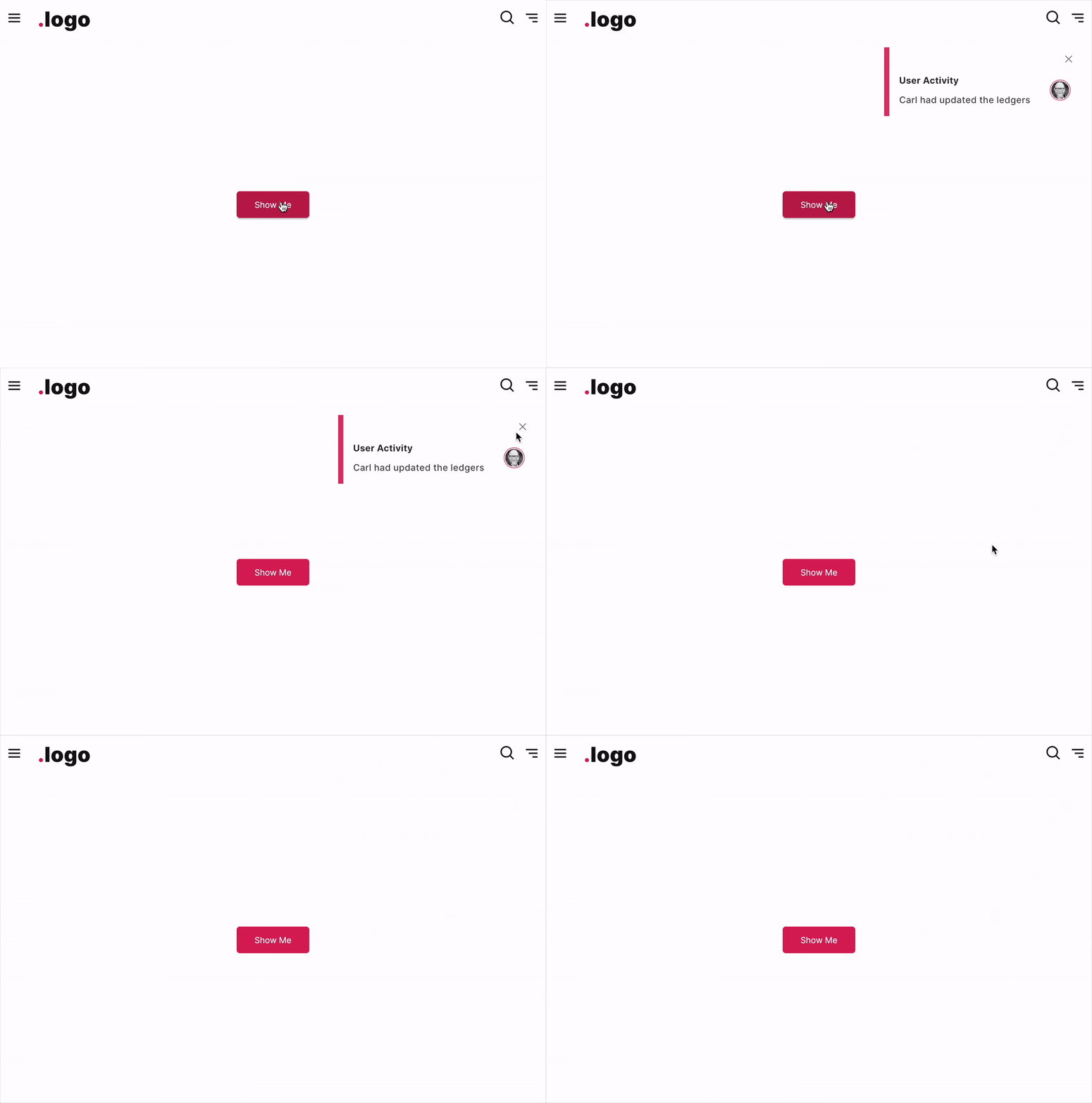
The FUIToast3 is a distinct type of toast message display. It comprises a title and a description body, complemented by a decorative sidebar. This design is intended for more sophisticated message and notification presentation.
Widget Class Location
The FUIToast3 widget classes could be found in:
Widget Theme Location
The FUIToastTheme class is the theme class holds the default theme variables/values.
Accessing the theme
To access the theme class object, do the following:
Usage
To show a toast message, just do following:
The default position of the displayed toast message will be at the top left.
With side icon
Changing the deco bar position
Customizable Side Widget
In addition to text, you may display images or other widgets as a side widget alongside the text (this will override the sideIcon).
Parameters
The show method accepts the following parameters.
Parameters | Description |
|---|---|
String title | The title of the toast notification. |
String description | The text/description to be shown as body. |
FUIColorScheme? fuiColorScheme | The desired color scheme. Values could be found in |
FUIToastPosition? fuiToastPosition | The position for the toast message on the screen (within the context) to be shown. Default is |
FUIToastDecoBarPosition? fuiToastDecoBarPosition | The position of the deco bar. It accepts values from |
IconData? sideIcon | If a side icon is to be included. |
Widget? sideWidget | If a side widget should be included (overrides the side icon). |
FUIToastIconPosition? sideWidgetPosition | The position of the side widget. Accepts values from |
Duration? duration | The duration for the message to be shown before being dismissed. |
Duration? animationDuration | The animation duration of the toast. |
double? radius | The border radius of the toast bubble. |
VoidCallback? onTap | The function which is to be called when the toast is tapped/clicked. |
VoidCallback? onDismiss | The function which is to be called when the toast dismisses. |